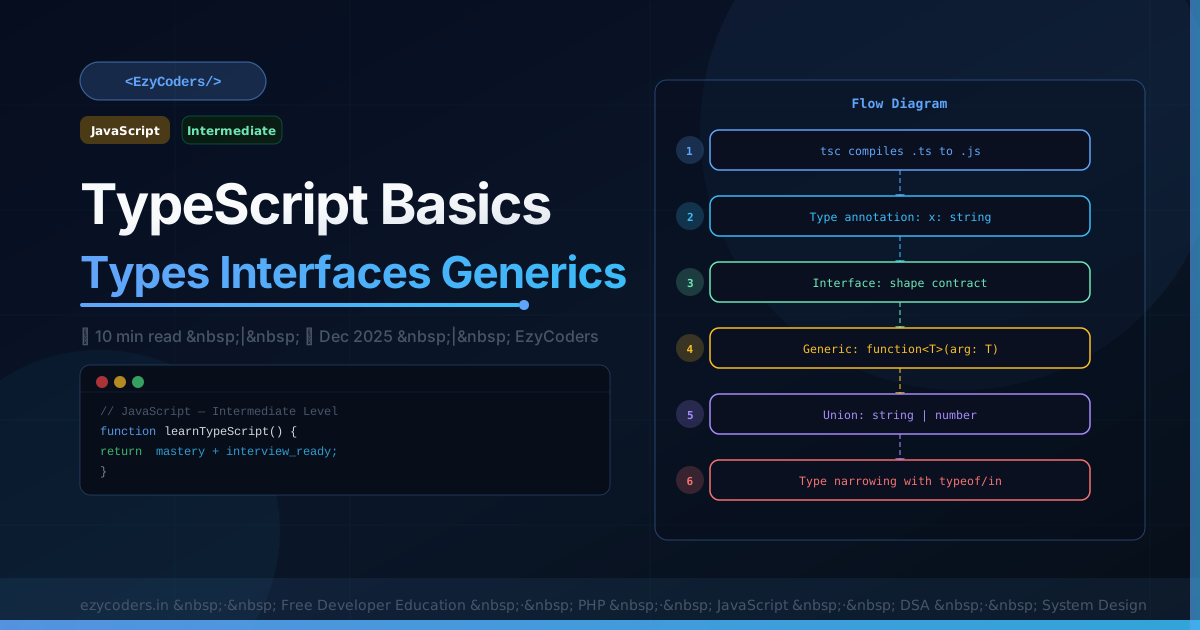
TypeScript Basics
TypeScript adds static typing to JavaScript. Types are checked at compile time — catching bugs before they reach runtime. It is now the default for large JavaScript projects at Google, Microsoft, Airbnb, and most startups.
// Basic types
let name:    string  = 'Rahul';
let age:     number  = 25;
let active:  boolean = true;
let scores:  number[] = [90, 85, 92];
let tuple:   [string, number] = ['Rahul', 25];
let anything: unknown = 'could be anything';  // safer than any

// Union types
let id: number | string = 42;
id = 'abc42';  // both valid

// Function types
function add(a: number, b: number): number { return a + b; }
const greet = (name: string): string => `Hello, ${name}!`;
const maybe = (val?: string): string => val ?? 'default';  // optional param
Interfaces and Types
// Interface: define object shape
interface User {
    readonly id:   number;    // immutable after creation
    name:          string;
    email:         string;
    role?:         'admin' | 'member';  // optional + literal union
}

const user: User = { id: 1, name: 'Rahul', email: 'r@e.com' };

// Type alias (similar to interface but more flexible)
type Status = 'active' | 'inactive' | 'pending';  // literal union
type Point  = { x: number; y: number };
type ID     = number | string;

// Extending interfaces
interface AdminUser extends User {
    permissions: string[];
    lastLogin: Date;
}
Generics
// Generic function
function first<T>(arr: T[]): T | undefined { return arr[0]; }
const n = first([1, 2, 3]);       // TypeScript infers T = number
const s = first(['a', 'b']);      // T = string

// Generic constraint
function getProperty<T, K extends keyof T>(obj: T, key: K): T[K] {
    return obj[key];
}
const user = { name: 'Rahul', age: 25 };
getProperty(user, 'name');   // 'Rahul' — string
getProperty(user, 'age');    // 25 — number
getProperty(user, 'email');  // Error! 'email' not in user

// Generic interface
interface ApiResponse<T> {
    data:    T;
    status:  number;
    message: string;
}
type UserResponse = ApiResponse<User>;
type PostsResponse = ApiResponse<Post[]>;
Q: What is the difference between interface and type in TypeScript?
Interfaces are open — you can declare the same interface multiple times and TypeScript merges them (declaration merging). Types are closed — redeclaring is an error. Interfaces are better for object shapes and class contracts. Type aliases are better for unions, intersections, and complex mapped types. For objects, prefer interfaces; for everything else, use type.














Comments (0)
No comments yet. Be the first!
Leave a Comment