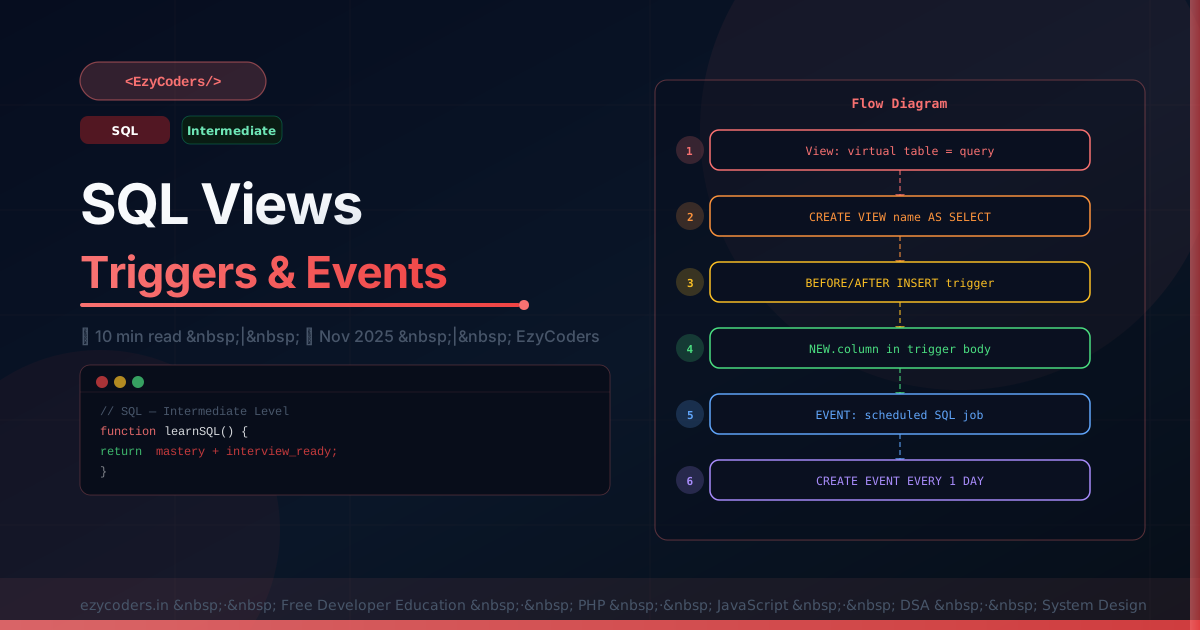
SQL Views, Triggers and Events
Views, triggers, and events encapsulate logic in the database layer — reusable query abstractions, automatic data reactions, and scheduled jobs without cron.
Views
-- Create a view — reusable virtual table
CREATE OR REPLACE VIEW published_posts AS
SELECT p.id, p.title, p.slug, p.views, p.reading_time, p.published_at,
       u.full_name AS author, c.name AS category, c.color AS cat_color
FROM   posts p
JOIN   users u      ON u.id = p.user_id
JOIN   categories c ON c.id = p.category_id
WHERE  p.status = 'published'
  AND  p.published_at <= NOW();

-- Use exactly like a table
SELECT * FROM published_posts WHERE category = 'PHP' ORDER BY views DESC LIMIT 10;

-- Updatable views (simple single-table views can be updated through the view)
UPDATE published_posts SET views = views + 1 WHERE id = 42;
Triggers
-- Trigger: automatically run SQL when data changes
DELIMITER //

-- Increment category post_count when a post is published
CREATE TRIGGER after_post_published
AFTER UPDATE ON posts
FOR EACH ROW
BEGIN
    IF NEW.status = 'published' AND OLD.status != 'published' THEN
        UPDATE categories SET post_count = post_count + 1
        WHERE id = NEW.category_id;

        INSERT INTO activity_logs (user_id, action, description, created_at)
        VALUES (NEW.user_id, 'post_published', CONCAT('Published: ', NEW.title), NOW());
    END IF;
END //

-- Decrement on deletion
CREATE TRIGGER after_post_deleted
AFTER DELETE ON posts
FOR EACH ROW
BEGIN
    IF OLD.status = 'published' THEN
        UPDATE categories SET post_count = post_count - 1
        WHERE id = OLD.category_id;
    END IF;
END //

DELIMITER ;
Scheduled Events
SET GLOBAL event_scheduler = ON;

DELIMITER //

-- Clean up expired sessions every hour
CREATE EVENT cleanup_sessions
ON SCHEDULE EVERY 1 HOUR
DO
BEGIN
    DELETE FROM sessions WHERE expires_at < NOW();
    DELETE FROM password_reset_tokens WHERE expires_at < NOW();
END //

-- Monthly report snapshot
CREATE EVENT monthly_stats
ON SCHEDULE EVERY 1 MONTH
STARTS '2026-01-01 00:00:00'
DO
BEGIN
    INSERT INTO monthly_reports (month, total_users, total_posts, total_views)
    SELECT DATE_FORMAT(NOW(), '%Y-%m'), COUNT(DISTINCT u.id), COUNT(DISTINCT p.id), SUM(p.views)
    FROM users u, posts p WHERE p.status = 'published';
END //

DELIMITER ;
Q: What is the risk of using triggers?
Triggers execute invisibly — debugging is harder because an INSERT can cause unexpected UPDATEs. They can cause cascading effects and make performance unpredictable. Failed triggers roll back the triggering statement. For complex business logic, application-layer code is usually preferable; use triggers for simple auditing and denormalized counter maintenance.











Comments (0)
No comments yet. Be the first!
Leave a Comment