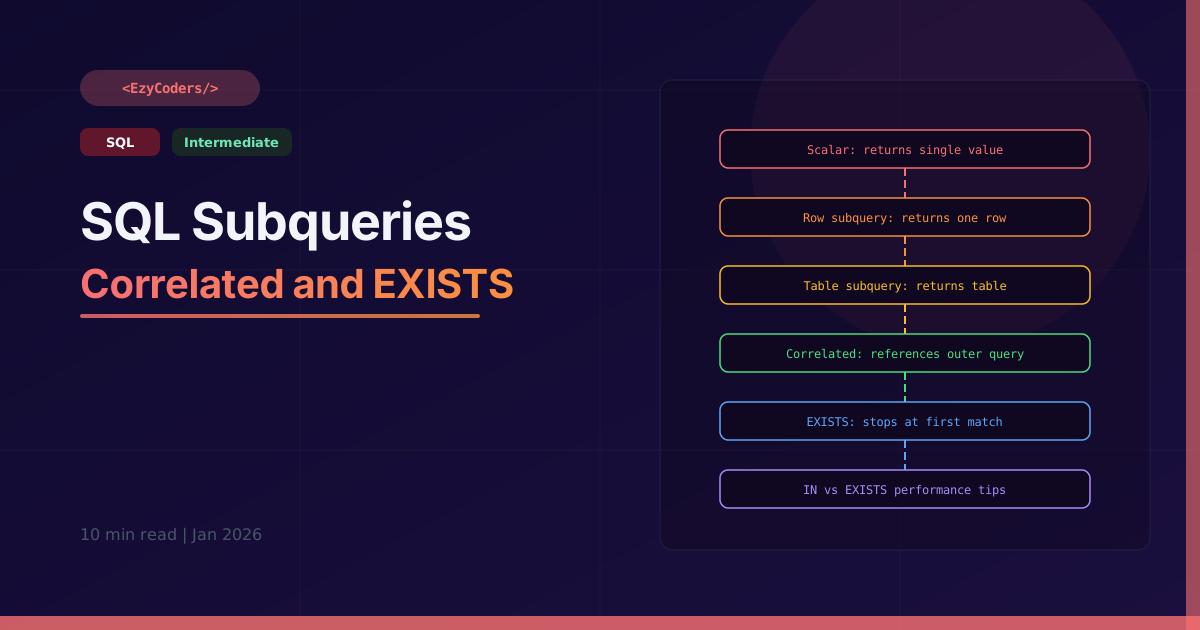
SQL Subqueries
A subquery is a query nested inside another query. They can appear in SELECT, FROM, WHERE, or HAVING clauses. Mastering subquery types separates SQL beginners from intermediate developers.
Scalar Subquery — Returns One Value
-- Employees earning more than company average
SELECT name, salary
FROM employees
WHERE salary > (SELECT AVG(salary) FROM employees);

-- Show each employee's salary vs overall average
SELECT
    name,
    salary,
    (SELECT AVG(salary) FROM employees) AS company_avg,
    salary - (SELECT AVG(salary) FROM employees) AS difference
FROM employees;
Column Subquery — Returns One Column
-- Posts by authors in the 'Engineering' department
SELECT title, views
FROM posts
WHERE user_id IN (
    SELECT id FROM users WHERE department = 'Engineering'
);

-- NOT IN — posts by non-engineering authors
SELECT title FROM posts
WHERE user_id NOT IN (
    SELECT id FROM users WHERE department = 'Engineering'
);
-- ⚠️ NOT IN fails silently if subquery returns any NULL!
-- Use NOT EXISTS instead (safer)
Correlated Subquery — References Outer Query
-- For each employee, show if they earn more than their dept average
-- Correlated: inner query runs ONCE PER ROW of outer query
SELECT
    e1.name,
    e1.department,
    e1.salary,
    (SELECT AVG(e2.salary) FROM employees e2 WHERE e2.department = e1.department) AS dept_avg,
    CASE WHEN e1.salary > (SELECT AVG(e2.salary) FROM employees e2 WHERE e2.department = e1.department)
         THEN 'Above Average' ELSE 'Below Average' END AS vs_dept
FROM employees e1;
EXISTS — True If Any Row Returned
-- Users who have at least one published post
SELECT u.name, u.email
FROM users u
WHERE EXISTS (
    SELECT 1
    FROM posts p
    WHERE p.user_id = u.id AND p.status = 'published'
);
-- ✅ EXISTS stops at the FIRST match — faster than IN for large datasets
-- SELECT 1 is conventional — the column list doesn't matter for EXISTS

-- NOT EXISTS — users with NO published posts
SELECT u.name FROM users u
WHERE NOT EXISTS (
    SELECT 1 FROM posts p
    WHERE p.user_id = u.id AND p.status = 'published'
);
Inline View (Table Subquery in FROM)
-- Subquery in FROM — treated as a temporary table
SELECT dept, avg_salary
FROM (
    SELECT department AS dept, AVG(salary) AS avg_salary
    FROM employees
    GROUP BY department
) dept_averages
WHERE avg_salary > 50000;

-- Equivalent using CTE (cleaner, readable)
WITH dept_averages AS (
    SELECT department AS dept, AVG(salary) AS avg_salary
    FROM employees
    GROUP BY department
)
SELECT * FROM dept_averages WHERE avg_salary > 50000;
Q: When to use EXISTS vs IN?
EXISTS stops processing as soon as it finds the first match — efficient for large subqueries. IN materializes the entire subquery result into memory. Use EXISTS for correlated subqueries and when the subquery returns many rows. Never use NOT IN if the subquery can return NULLs.
Q: What is a correlated subquery?
A correlated subquery references a column from the outer query. It re-executes for every row processed by the outer query, making it O(n) in complexity. It is powerful but slow for large tables — often replaceable with JOINs or window functions.












Comments (0)
No comments yet. Be the first!
Leave a Comment