MySQL Performance Tuning
A slow MySQL query can bring down an entire application. Learning to read EXPLAIN output, use the slow query log, and apply targeted fixes is one of the most valuable skills a backend developer can have.
-- Enable slow query log
SET GLOBAL slow_query_log     = 'ON';
SET GLOBAL long_query_time    = 1;      -- queries over 1 second
SET GLOBAL slow_query_log_file = '/var/log/mysql/slow.log';

-- Find top slow queries
mysqldumpslow -s t -t 10 /var/log/mysql/slow.log
-- -s t: sort by total time  -t 10: top 10
Reading EXPLAIN Output
EXPLAIN SELECT u.name, COUNT(p.id) AS posts
FROM users u
LEFT JOIN posts p ON p.user_id = u.id
WHERE u.active = 1
GROUP BY u.id;

-- id | select_type | table | type  | key           | rows | Extra
-- ---|-------------|-------|-------|---------------|------|------------------
--  1 | SIMPLE      | u     | ref   | idx_active    |  100 | Using index
--  1 | SIMPLE      | p     | ref   | idx_user_id   |    5 | Using index

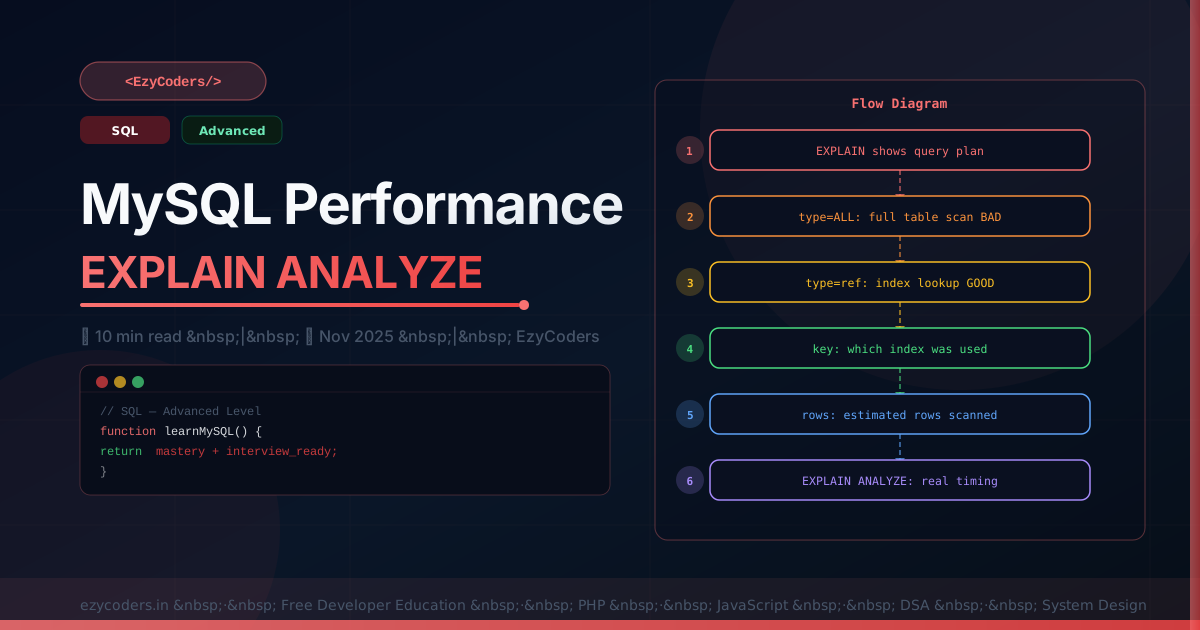
-- type values (best to worst):
-- system: single row table
-- const:  single row match (primary/unique key)
-- eq_ref: one row per join (primary key join)
-- ref:    index lookup, multiple rows possible ← GOOD
-- range:  index range scan (BETWEEN, >, <)    ← OK
-- index:  full index scan                      ← WARN
-- ALL:    full table scan                      ← BAD, add index!

-- EXPLAIN ANALYZE (MySQL 8.0.18+): shows actual execution
EXPLAIN ANALYZE SELECT * FROM posts WHERE category_id = 3;
Fixing Common Performance Issues
-- Problem 1: Full table scan on large table
SELECT * FROM orders WHERE status = 'pending';
-- Fix: add index
ALTER TABLE orders ADD INDEX idx_status (status);

-- Problem 2: N+1 via ORM — detect with query count
-- Fix: use JOINs or eager loading

-- Problem 3: SELECT * fetching unnecessary columns
SELECT * FROM posts;
-- Fix: only select what you need
SELECT id, title, published_at FROM posts;

-- Problem 4: Filesort (ORDER BY not using index)
EXPLAIN SELECT * FROM posts ORDER BY views DESC;
-- key=NULL + Extra='Using filesort' = bad
-- Fix: add index on views
ALTER TABLE posts ADD INDEX idx_views (views);

-- Problem 5: Temporary table in GROUP BY
-- Fix: ensure GROUP BY column is indexed

-- Covering index (serves query entirely from index — fastest)
ALTER TABLE posts ADD INDEX idx_cover (status, user_id, title, published_at);
SELECT title, published_at FROM posts WHERE status='published' AND user_id=42;
-- Extra: 'Using index' (no table access needed!)
Q: What does Extra: Using filesort mean in EXPLAIN?
MySQL cannot use an index to satisfy the ORDER BY — it must sort the result in memory or on disk after fetching rows. This is expensive for large datasets. Fix by adding an index that matches the ORDER BY columns, ensuring the index column order matches, and that the WHERE clause doesn't conflict with the sort index.












Comments (0)
No comments yet. Be the first!
Leave a Comment