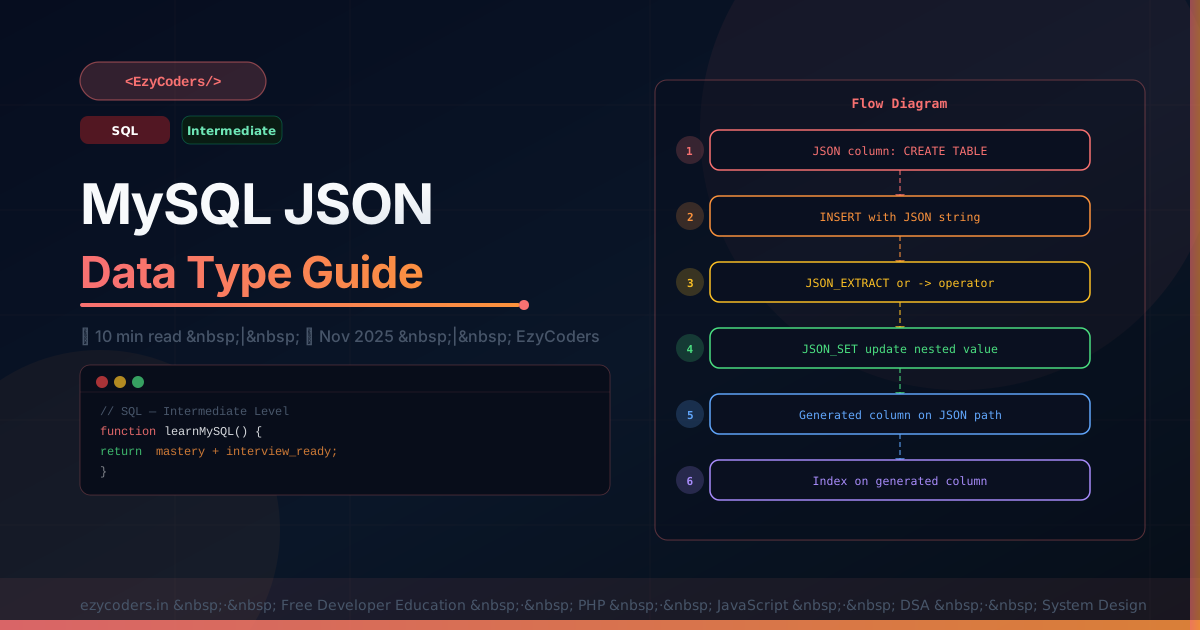
MySQL JSON Data Type
MySQL 5.7+ supports a native JSON column type that stores and validates JSON, enables path-based queries, and can be indexed via generated columns. It bridges the gap between relational and document databases.
-- Create table with JSON column
CREATE TABLE products (
    id       INT UNSIGNED AUTO_INCREMENT PRIMARY KEY,
    name     VARCHAR(200) NOT NULL,
    specs    JSON NOT NULL,
    tags     JSON DEFAULT NULL,
    created_at DATETIME DEFAULT CURRENT_TIMESTAMP
);

-- Insert JSON data
INSERT INTO products (name, specs, tags) VALUES
('MacBook Pro', '{"ram":16,"storage":512,"cpu":"M3 Pro","ports":["USB-C","HDMI"]}', '["laptop","apple","pro"]'),
('Samsung TV',  '{"screen":55,"resolution":"4K","smart":true,"hdr":true}', '["tv","samsung"]');

-- Query with JSON_EXTRACT (or -> shorthand)
SELECT name, specs->'$.ram' AS ram_gb
FROM products;
-- MacBook Pro | 16

-- Unquote string values (removes surrounding quotes)
SELECT name, specs->>'$.cpu' AS cpu  -- ->> removes quotes
FROM products;
-- MacBook Pro | M3 Pro

-- Filter by JSON value
SELECT name FROM products
WHERE specs->>'$.cpu' = 'M3 Pro';

SELECT name FROM products
WHERE JSON_CONTAINS(tags, '"laptop"');  -- find 'laptop' in array
JSON_SET, JSON_MERGE, JSON_ARRAYAGG
-- Update a JSON field without replacing entire JSON
UPDATE products
SET specs = JSON_SET(specs, '$.ram', 32, '$.storage', 1024)
WHERE id = 1;

-- Add to array
UPDATE products
SET tags = JSON_ARRAY_APPEND(tags, '$', 'refurbished')
WHERE id = 1;

-- Aggregate rows as JSON array
SELECT JSON_ARRAYAGG(JSON_OBJECT('id', id, 'name', name)) AS product_list
FROM products;
-- [{"id":1,"name":"MacBook Pro"},{"id":2,"name":"Samsung TV"}]
Generated Columns for Indexing JSON
-- Cannot index JSON path directly — use virtual generated column
ALTER TABLE products
ADD COLUMN cpu VARCHAR(50) GENERATED ALWAYS AS (specs->>'$.cpu') VIRTUAL,
ADD INDEX idx_cpu (cpu);

-- Now this uses the index!
SELECT * FROM products WHERE cpu = 'M3 Pro';
Q: When should you use a JSON column vs separate normalized columns?
Use JSON for: flexible/variable attributes (product specs that differ per category), data you don't need to filter/sort on frequently, schema-less sub-documents. Use normalized columns for: fields you GROUP BY, ORDER BY, or JOIN on frequently, columns requiring indexes, data that needs referential integrity. Never use JSON as a substitute for proper relational design when the structure is known and stable.











Comments (0)
No comments yet. Be the first!
Leave a Comment