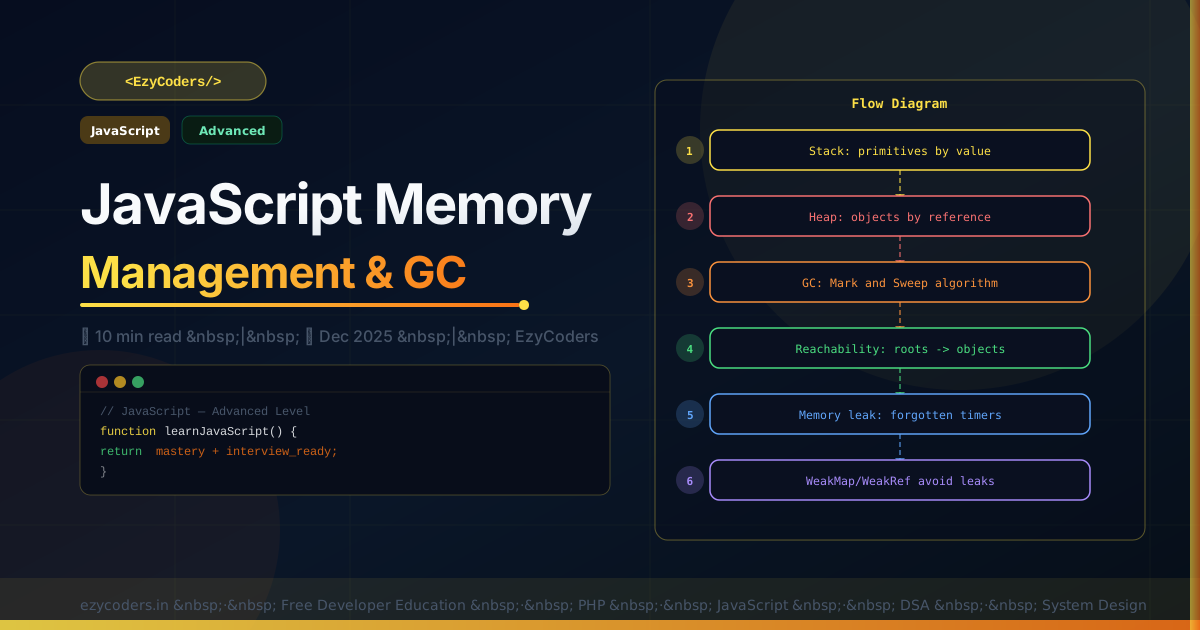
JavaScript Memory Management
JavaScript is garbage collected — you don't manually free memory. But memory leaks still happen when you accidentally hold references to objects that should be freed. Understanding how GC works helps you write leak-free code.
// Stack vs Heap
let num = 42;       // primitive → stored on STACK
let obj = {};       // object → stored on HEAP, reference on stack
let copy = obj;     // copy of REFERENCE, same heap object

// ── Garbage Collection: Mark and Sweep ───────────────────────────
// GC starts from "roots" (global, stack frames)
// Marks all objects reachable from roots
// Sweeps (frees) everything NOT marked

let user = { name: 'Rahul', data: new Array(1e6) };
user = null;  // no references → unreachable → GC can collect it
Common Memory Leaks
// LEAK 1: Forgotten event listeners
const btn = document.getElementById('btn');
function handler() { console.log('clicked'); }
btn.addEventListener('click', handler);
// FIX: always remove when done
btn.removeEventListener('click', handler);

// LEAK 2: Interval not cleared
const timer = setInterval(() => expensiveWork(), 1000);
// FIX:
clearInterval(timer);

// LEAK 3: Global variable accumulation
function addData() {
    window.cache = window.cache || [];
    window.cache.push(new Array(1e6));  // grows forever!
}
// FIX: use WeakMap or limit cache size

// LEAK 4: Detached DOM nodes
let detached;
function createDiv() {
    const div = document.createElement('div');
    detached = div;  // held in closure
    document.body.appendChild(div);
}
document.body.removeChild(div);
// detached variable still holds reference — NOT collected!
// FIX: detached = null;
Memory Profiling
// Chrome DevTools: Memory tab → Take Heap Snapshot
// Compare snapshots to find growing objects

// performance.memory (Chrome only)
console.log(performance.memory.usedJSHeapSize);  // bytes used
console.log(performance.memory.totalJSHeapSize); // heap size

// WeakMap for private data without memory leak
const privateData = new WeakMap();
class User {
    constructor(name) {
        privateData.set(this, { secret: 'classified' });
        this.name = name;
    }
    getSecret() { return privateData.get(this).secret; }
}
// When User instance is GC'd, privateData entry is also collected
Q: What is a memory leak in JavaScript?
A memory leak occurs when objects are no longer needed but still referenced, preventing the GC from collecting them. Memory grows continuously, slowing the browser until it crashes. Common causes: unremoved event listeners, uncleaned intervals, global variables, closures holding large objects, and detached DOM nodes.












Comments (0)
No comments yet. Be the first!
Leave a Comment