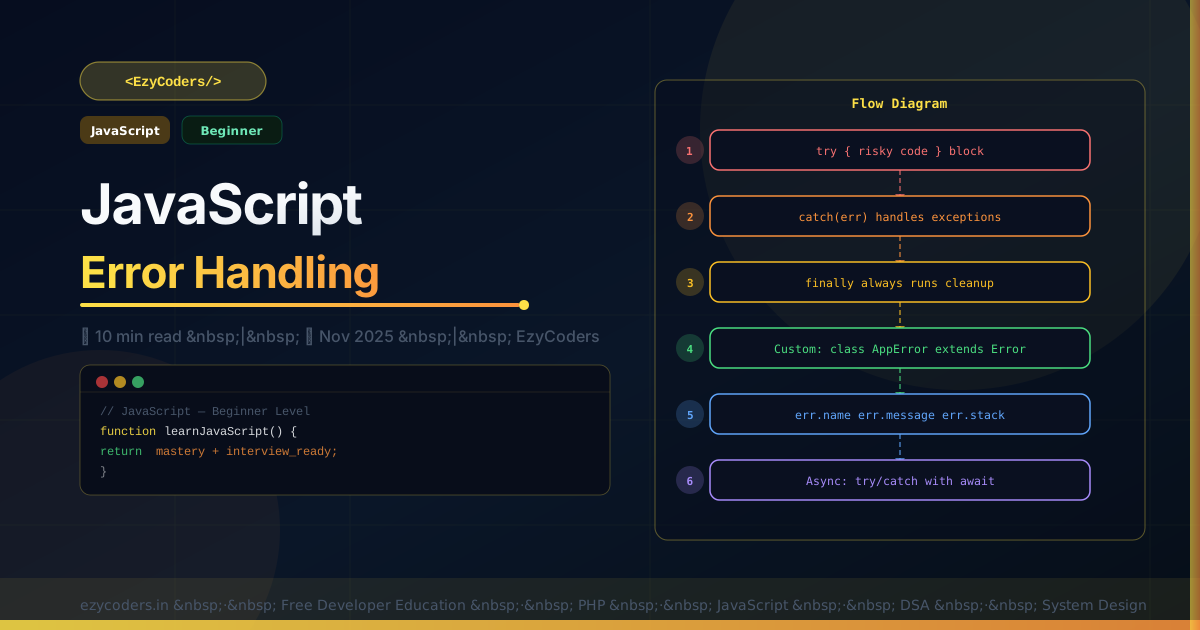
JavaScript Error Handling
Unhandled errors crash applications and expose sensitive information. Proper error handling — with meaningful custom errors, async error handling, and global handlers — is what separates production-grade code from demos.
// Built-in error types
new Error('generic error');
new TypeError('wrong type');
new RangeError('out of range');
new ReferenceError('undefined variable');
new SyntaxError('bad syntax');

// Custom error classes
class AppError extends Error {
    constructor(message, code) {
        super(message);
        this.name    = 'AppError';
        this.code    = code;
        this.isOperational = true;  // expected error (vs programmer bug)
    }
}

class ValidationError extends AppError {
    constructor(fields) {
        super('Validation failed');
        this.name   = 'ValidationError';
        this.fields = fields;
    }
}

class NotFoundError extends AppError {
    constructor(resource) {
        super(`${resource} not found`);
        this.name       = 'NotFoundError';
        this.statusCode = 404;
    }
}

// Throwing and catching
function getUser(id) {
    if (typeof id !== 'number') throw new TypeError('id must be a number');
    const user = db.find(id);
    if (!user) throw new NotFoundError('User');
    return user;
}

try {
    const user = getUser('abc');
} catch (err) {
    if (err instanceof ValidationError) {
        console.error('Fields:', err.fields);
    } else if (err instanceof NotFoundError) {
        console.error('404:', err.message);
    } else {
        throw err;  // rethrow unknown errors
    }
}
Async Error Handling
// With async/await — always use try/catch
async function fetchUser(id) {
    try {
        const res = await fetch(`/api/users/${id}`);
        if (!res.ok) throw new AppError(`HTTP ${res.status}`, res.status);
        return await res.json();
    } catch (err) {
        if (err instanceof AppError) throw err;  // pass it up
        throw new AppError('Network request failed', 503);
    }
}

// Global handler for unhandled Promise rejections
process.on('unhandledRejection', (reason) => {
    console.error('Unhandled Rejection:', reason);
    process.exit(1);
});

window.addEventListener('unhandledrejection', (event) => {
    console.error('Unhandled rejection:', event.reason);
});
Q: What is the difference between operational errors and programmer errors?
Operational errors are expected runtime failures: network timeout, file not found, invalid user input. They should be caught and handled gracefully. Programmer errors are bugs: undefined is not a function, wrong argument type. These should crash and be fixed, not silently caught. The isOperational flag pattern helps distinguish them in global error handlers.












Comments (0)
No comments yet. Be the first!
Leave a Comment