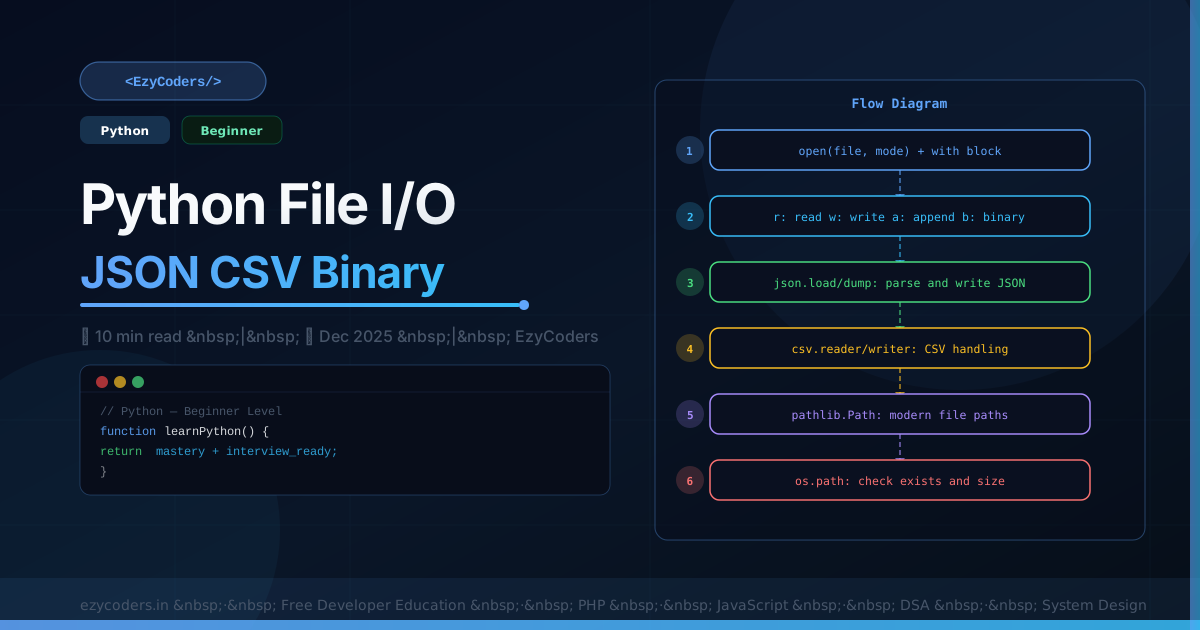
Python File I/O
File operations are fundamental — reading configs, processing data, writing logs. Python's pathlib and built-in file handling make this clean and Pythonic.
from pathlib import Path

p = Path('/var/log/app.log')
print(p.name)       # 'app.log'
print(p.suffix)     # '.log'
print(p.exists())   # True/False

content = p.read_text(encoding='utf-8')
lines   = p.read_text().splitlines()

Path('output.txt').write_text('Hello World\n', encoding='utf-8')
JSON and CSV
import json, csv

# JSON
data = {'users': [{'id': 1, 'name': 'Rahul'}]}
Path('data.json').write_text(json.dumps(data, indent=2))
users = json.loads(Path('data.json').read_text())

# CSV reading
with open('users.csv', 'r', newline='', encoding='utf-8') as f:
    reader = csv.DictReader(f)
    for row in reader:
        print(row['name'], row['email'])

# CSV writing
with open('report.csv', 'w', newline='', encoding='utf-8') as f:
    writer = csv.DictWriter(f, fieldnames=['name', 'email', 'score'])
    writer.writeheader()
    writer.writerows([{'name': 'Rahul', 'email': 'r@e.com', 'score': 95}])
Memory-Efficient Large Files
def process_large_csv(filepath: str, chunk_size: int = 10_000):
    buffer = []
    with open(filepath, 'r') as f:
        reader = csv.DictReader(f)
        for row in reader:
            buffer.append(row)
            if len(buffer) >= chunk_size:
                process_chunk(buffer)
                buffer.clear()
    if buffer:
        process_chunk(buffer)
Q: What does newline='' mean in CSV open()?
The csv module handles its own line endings. Opening with newline='' tells Python NOT to translate \r\n to \n before the csv module sees it — otherwise extra blank rows appear on Windows.












Comments (0)
No comments yet. Be the first!
Leave a Comment