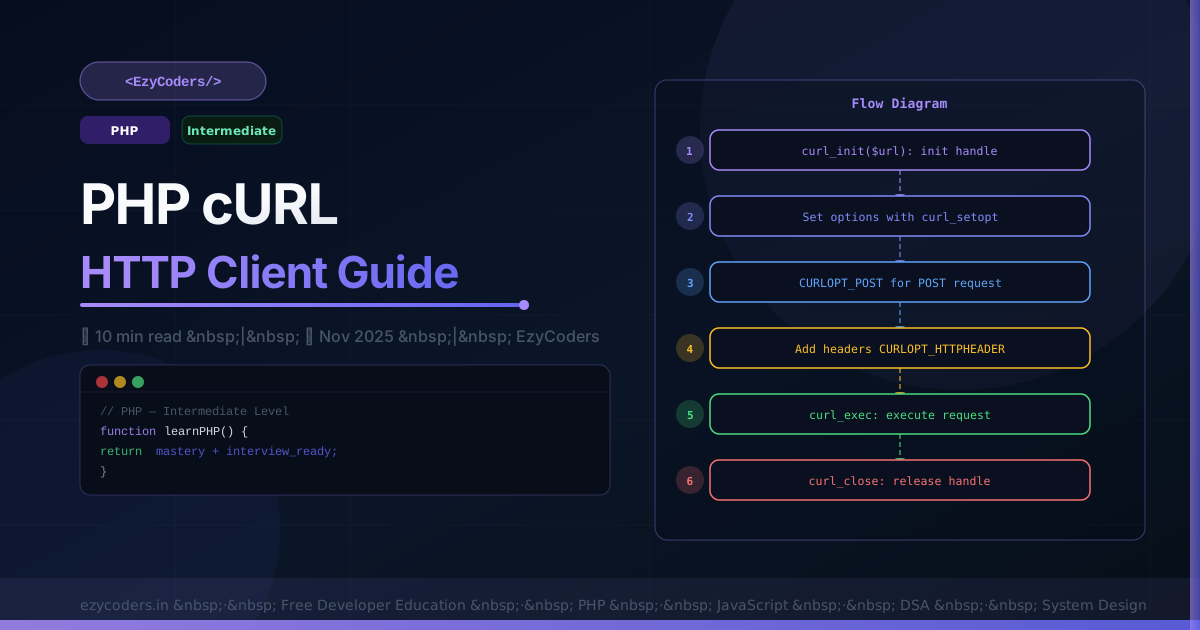
PHP cURL and HTTP Clients
cURL is PHP's primary tool for making HTTP requests to external APIs. Mastering it — along with modern alternatives like Guzzle — is essential for any backend PHP developer.
Basic GET Request
<?php
function httpGet(string $url, array $headers = []): array {
    $ch = curl_init();
    curl_setopt_array($ch, [
        CURLOPT_URL            => $url,
        CURLOPT_RETURNTRANSFER => true,      // return response as string
        CURLOPT_FOLLOWLOCATION => true,      // follow redirects
        CURLOPT_TIMEOUT        => 10,        // 10 second timeout
        CURLOPT_HTTPHEADER     => $headers,
        CURLOPT_SSL_VERIFYPEER => true,      // verify SSL certificate
    ]);
    $response = curl_exec($ch);
    $httpCode = curl_getinfo($ch, CURLINFO_HTTP_CODE);
    $error    = curl_error($ch);
    curl_close($ch);

    if ($error) throw new RuntimeException("cURL error: $error");

    return [
        'code' => $httpCode,
        'body' => $response,
        'data' => json_decode($response, true),
    ];
}

$result = httpGet('https://jsonplaceholder.typicode.com/users/1', [
    'Authorization: Bearer my-token',
    'Accept: application/json',
]);
echo $result['data']['name'];  // Leanne Graham
POST Request with JSON
<?php
function httpPost(string $url, array $data, array $headers = []): array {
    $json = json_encode($data);
    $ch   = curl_init();
    curl_setopt_array($ch, [
        CURLOPT_URL            => $url,
        CURLOPT_RETURNTRANSFER => true,
        CURLOPT_POST           => true,
        CURLOPT_POSTFIELDS     => $json,
        CURLOPT_HTTPHEADER     => array_merge([
            'Content-Type: application/json',
            'Content-Length: ' . strlen($json),
        ], $headers),
        CURLOPT_TIMEOUT        => 15,
    ]);
    $response = curl_exec($ch);
    $httpCode = curl_getinfo($ch, CURLINFO_HTTP_CODE);
    curl_close($ch);

    return ['code' => $httpCode, 'data' => json_decode($response, true)];
}

$res = httpPost('https://api.example.com/users', [
    'name'  => 'Rahul Sharma',
    'email' => 'rahul@ezycoders.in',
]);
echo $res['code'];            // 201
echo $res['data']['id'];      // new user ID
Guzzle — Modern HTTP Client
<?php
// composer require guzzlehttp/guzzle
use GuzzleHttp\Client;
use GuzzleHttp\Exception\RequestException;

$client = new Client([
    'base_uri' => 'https://api.ezycoders.in',
    'timeout'  => 10.0,
    'headers'  => ['Authorization' => 'Bearer ' . API_TOKEN],
]);

// GET
$response = $client->get('/posts', ['query' => ['page' => 1, 'limit' => 10]]);
$posts    = json_decode($response->getBody(), true);

// POST
$response = $client->post('/posts', [
    'json' => ['title' => 'PHP Guide', 'status' => 'published'],
]);

// Concurrent requests
use GuzzleHttp\Promise;
$promises = [
    'users'    => $client->getAsync('/users'),
    'posts'    => $client->getAsync('/posts'),
    'settings' => $client->getAsync('/settings'),
];
$results = Promise\Utils::settle($promises)->wait();
// All 3 run simultaneously — much faster than sequential!
Q: When would you use Guzzle instead of raw cURL?
Guzzle provides a clean object-oriented API, async/concurrent requests, middleware (retry, logging, caching), automatic JSON encoding/decoding, and better error handling. Use raw cURL only when you cannot add Composer dependencies or need absolute minimal overhead. Guzzle is the standard choice for any real project.














Comments (0)
No comments yet. Be the first!
Leave a Comment