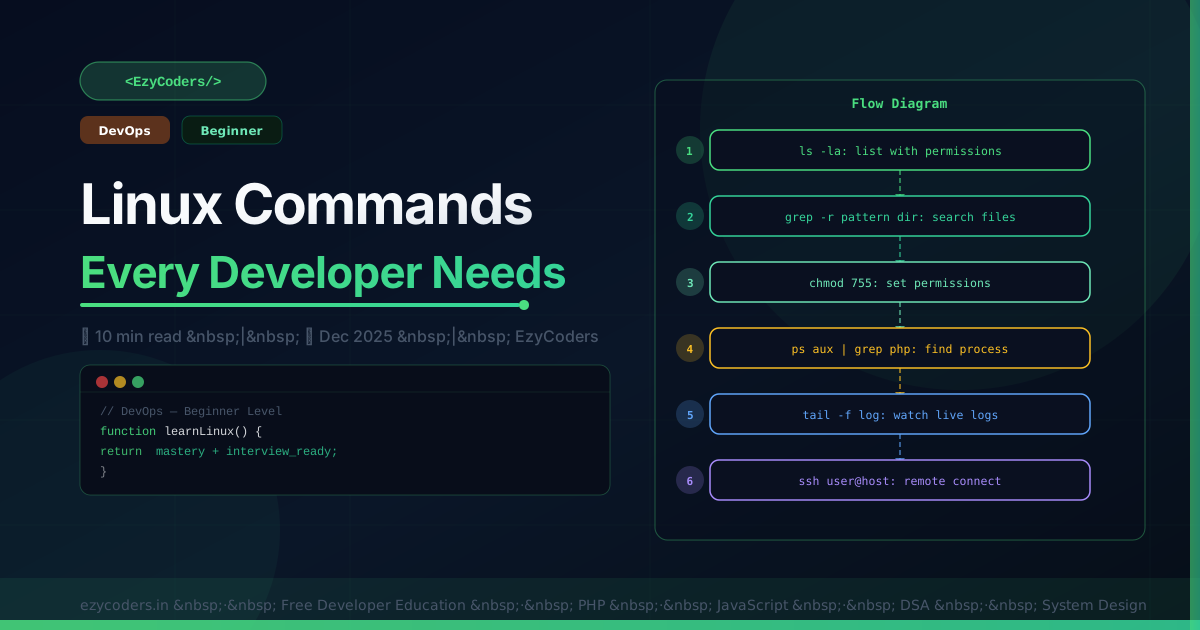
Linux Commands Every Developer Needs
Linux is the OS of production servers. These commands are used daily for debugging, log analysis, process management, and server configuration.
ls -la                         # list with permissions
find . -name "*.log" -mtime -1 # files modified in 24h
du -sh /var/log/*              # directory sizes
df -h                          # disk space usage

grep -r "Error" /var/log/      # search all logs
grep -i "fatal" app.log | tail -20   # case-insensitive, last 20
awk '{print $1}' access.log | sort | uniq -c | sort -rn | head  # top IPs
sed 's/ERROR/CRITICAL/g' app.log     # replace in stream

ps aux | grep nginx            # find process
top / htop                     # real-time monitor
kill -9 PID                    # force kill
lsof -i :3306                  # what's on port 3306
netstat -tulpn                 # all listening ports

tail -f /var/log/nginx/error.log             # follow live log
tail -f app.log | grep -v "DEBUG"            # filter on-the-fly
journalctl -u php8.3-fpm --since "1 hour ago"

chmod 755 script.sh            # rwxr-xr-x
chown www-data:www-data -R storage/

curl -I https://ezycoders.in                 # HTTP headers
ssh user@192.168.1.100
scp file.php user@server:/var/www/

free -h                        # memory usage
uname -a                       # kernel version
uptime                         # load average
Q: How to debug a slow server?
Step 1: htop — high CPU or memory? Step 2: df -h — disk full? Step 3: netstat — unexpected connections? Step 4: tail -f /var/log — errors? Step 5: MySQL slow query log — database bottleneck? Work through layers: hardware, OS, network, application, database.













Comments (0)
No comments yet. Be the first!
Leave a Comment