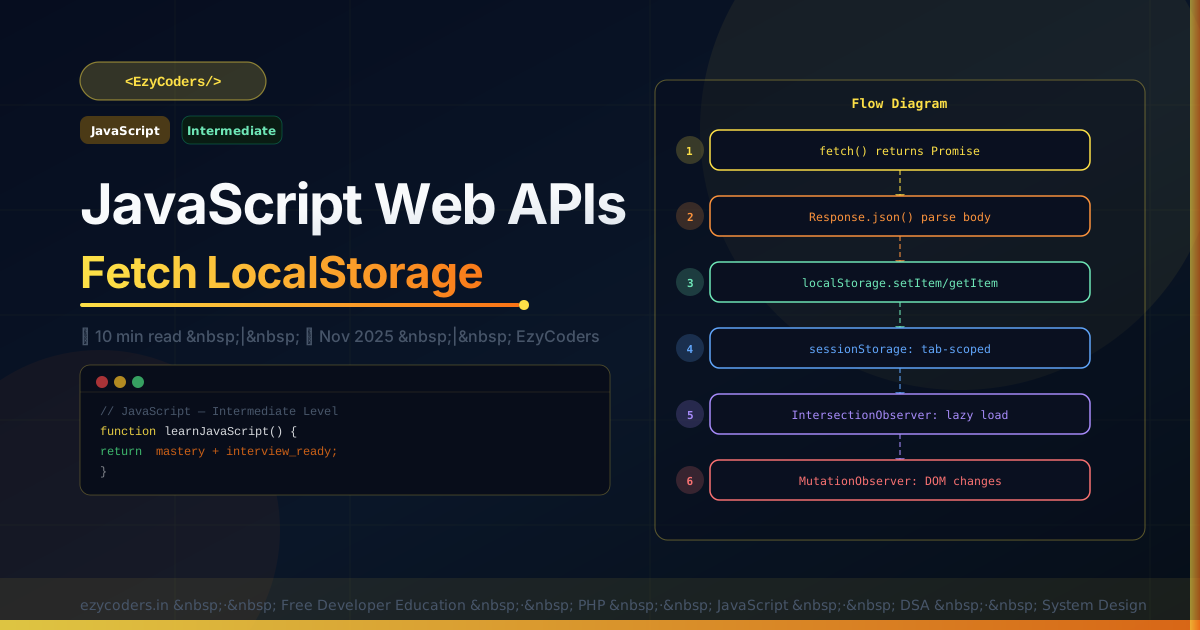
JavaScript Web APIs
Modern browsers provide powerful APIs beyond the DOM. Fetch, localStorage, IntersectionObserver, and MutationObserver unlock real-world application features every frontend developer needs.
// ── Fetch API ─────────────────────────────────────────────────────
async function api(url, options = {}) {
    const defaults = {
        headers: { 'Content-Type': 'application/json' },
    };
    const res = await fetch(url, { ...defaults, ...options });
    if (!res.ok) throw new Error(`HTTP ${res.status}: ${res.statusText}`);
    return res.json();
}

// GET
const user = await api('/api/users/1');

// POST
const created = await api('/api/posts', {
    method: 'POST',
    body: JSON.stringify({ title: 'PHP Guide', status: 'published' }),
});

// With AbortController (timeout/cancel)
const controller = new AbortController();
const timeout = setTimeout(() => controller.abort(), 5000);
const data = await fetch('/api/slow', { signal: controller.signal });
clearTimeout(timeout);
// ── localStorage / sessionStorage ────────────────────────────────
// localStorage: persists across sessions
localStorage.setItem('theme', 'dark');
const theme = localStorage.getItem('theme'); // 'dark'
localStorage.removeItem('theme');
localStorage.clear();
// Store objects (must serialize)
localStorage.setItem('user', JSON.stringify({ id: 1, name: 'Rahul' }));
const user = JSON.parse(localStorage.getItem('user'));
// sessionStorage: tab-scoped, cleared on close
sessionStorage.setItem('draft', JSON.stringify(formData));
// ── IntersectionObserver — lazy loading ──────────────────────────
const observer = new IntersectionObserver((entries) => {
entries.forEach(entry => {
if (entry.isIntersecting) {
const img = entry.target;
img.src = img.dataset.src; // load image when visible
observer.unobserve(img); // stop watching after load
}
});
}, { threshold: 0.1 }); // 10% visible triggers callback
document.querySelectorAll('img[data-src]').forEach(img => observer.observe(img));
// ── MutationObserver — watch DOM changes ─────────────────────────
const mutObs = new MutationObserver((mutations) => {
mutations.forEach(m => {
m.addedNodes.forEach(node => console.log('Added:', node));
});
});
mutObs.observe(document.body, { childList: true, subtree: true });
mutObs.disconnect(); // stop observingQ: When should you use sessionStorage vs localStorage?
localStorage persists indefinitely until explicitly cleared — use for user preferences (theme, language), remember me tokens. sessionStorage clears when the tab closes — use for temporary form state, shopping cart drafts, or any data that should not survive a new session. Neither is secure for sensitive data — always store tokens in httpOnly cookies.











Comments (0)
No comments yet. Be the first!
Leave a Comment