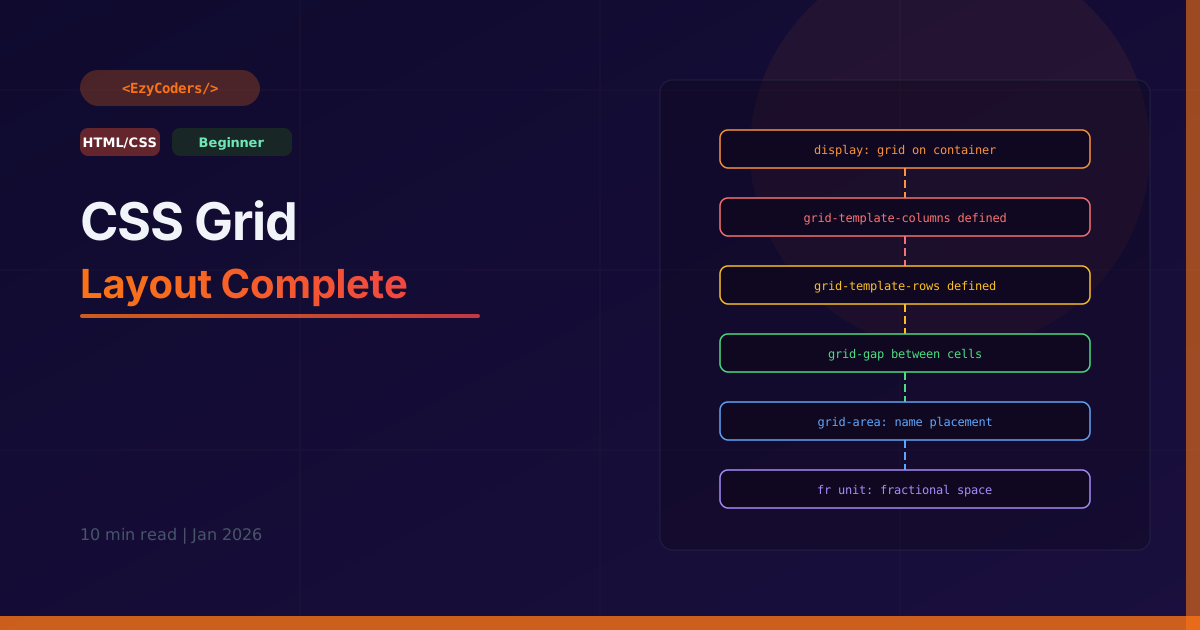
CSS Grid Layout
CSS Grid is the most powerful layout system in CSS — it handles two-dimensional layouts (rows AND columns simultaneously). While Flexbox handles one axis at a time, Grid handles both, making it perfect for full page layouts.
Defining the Grid
/* Apply to the container */
.grid {
    display: grid;

    /* Define columns */
    grid-template-columns: 200px 1fr 1fr;    /* fixed + fractional */
    grid-template-columns: repeat(3, 1fr);   /* 3 equal columns */
    grid-template-columns: repeat(auto-fill, minmax(200px, 1fr)); /* responsive!*/
    grid-template-columns: 1fr 2fr 1fr;      /* sidebar, main, sidebar */

    /* Define rows */
    grid-template-rows: 80px 1fr auto;       /* header, content, footer */
    grid-template-rows: repeat(3, 200px);

    /* Gap between cells */
    gap: 1rem;            /* row and column gap */
    row-gap: 1rem;
    column-gap: 2rem;
}
Placing Items
/* Items auto-place by default */
/* Override with grid-column and grid-row */

.header {
    grid-column: 1 / -1;  /* span all columns (1 to last) */
    grid-row: 1;
}

.sidebar {
    grid-column: 1;        /* first column only */
    grid-row: 2 / 4;       /* span rows 2-3 */
}

.main {
    grid-column: 2 / -1;   /* column 2 to last */
    grid-row: 2;
}

/* Shorthand: row-start/col-start/row-end/col-end */
.item {
    grid-area: 2 / 1 / 4 / 3;  /* rows 2-3, columns 1-2 */
}

/* Named areas — most readable */
.layout {
    grid-template-areas:
        "header  header  header"
        "sidebar main    main"
        "footer  footer  footer";
}

.header  { grid-area: header; }
.sidebar { grid-area: sidebar; }
.main    { grid-area: main; }
.footer  { grid-area: footer; }
Responsive Grids Without Media Queries
/* auto-fill vs auto-fit */

/* auto-fill: creates empty columns to fill space */
.grid-fill {
    grid-template-columns: repeat(auto-fill, minmax(250px, 1fr));
}

/* auto-fit: collapses empty columns, items stretch */
.grid-fit {
    grid-template-columns: repeat(auto-fit, minmax(250px, 1fr));
}

/* Card grid: 1 col mobile, 2 col tablet, 3+ col desktop */
.cards {
    display: grid;
    grid-template-columns: repeat(auto-fill, minmax(280px, 1fr));
    gap: 1.5rem;
}
/* No media queries needed! Automatically adjusts columns based on container width */
Grid Alignment
/* Align ALL ITEMS within their cells */
.grid {
    justify-items: start | center | end | stretch;  /* horizontal */
    align-items:   start | center | end | stretch;  /* vertical */
    place-items:   center center;  /* shorthand: align / justify */
}

/* Align the ENTIRE GRID within its container */
.grid {
    justify-content: start | center | end | space-between | space-around;
    align-content:   start | center | end | space-between | space-around;
}

/* Override for ONE item */
.special-item {
    justify-self: end;
    align-self: start;
    place-self: center end;
}
Full Page Layout Example
.page {
    display: grid;
    grid-template-columns: 280px 1fr;
    grid-template-rows: 64px 1fr 48px;
    grid-template-areas:
        "header header"
        "sidebar main"
        "footer footer";
    min-height: 100vh;
    gap: 0;
}

header  { grid-area: header;  background: #1e293b; }
aside   { grid-area: sidebar; background: #0f172a; }
main    { grid-area: main;    padding: 2rem; overflow-y: auto; }
footer  { grid-area: footer;  background: #1e293b; }

@media (max-width: 768px) {
    .page {
        grid-template-columns: 1fr;
        grid-template-areas:
            "header"
            "main"
            "footer";
    }
    aside { display: none; }  /* hide sidebar on mobile */
}
Q: When to use Grid vs Flexbox?
Flexbox is one-dimensional — best for navigation bars, card rows, or any layout along one axis. Grid is two-dimensional — best for page layouts, image galleries, dashboards where you need to control both rows and columns. In practice, use Grid for the outer layout and Flexbox for the components inside each grid cell.











Comments (0)
No comments yet. Be the first!
Leave a Comment