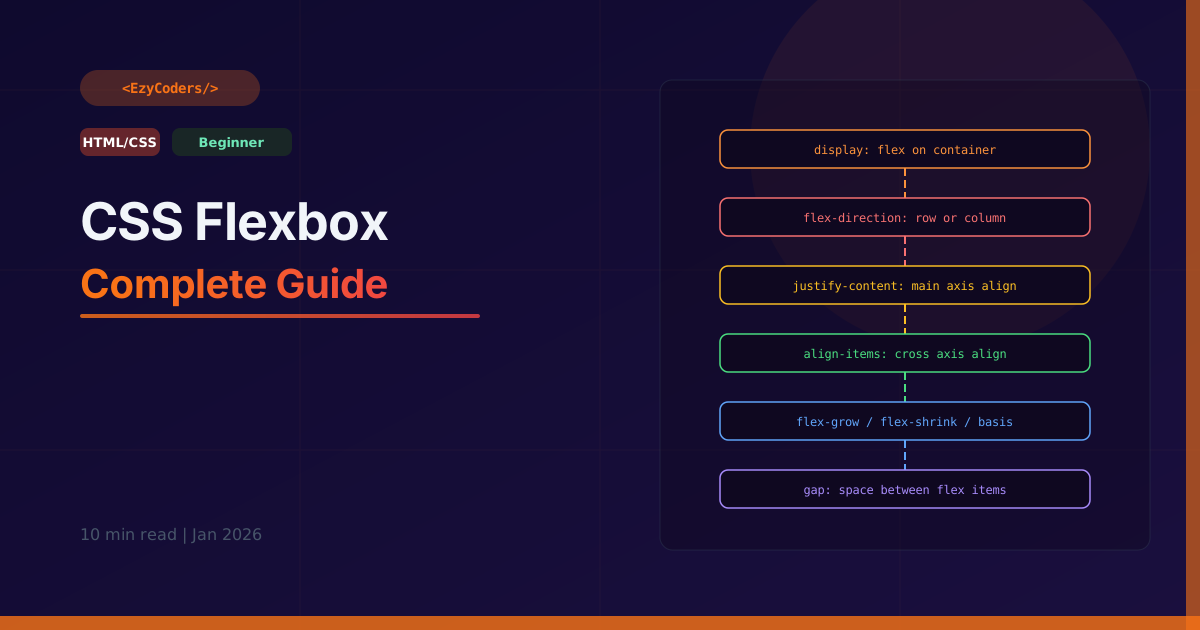
CSS Flexbox
Flexbox is the most important CSS layout tool for building one-dimensional layouts — rows or columns. It replaced float-based layouts and is now used in virtually every modern web application.
The Flex Container
/* Apply to the CONTAINER */
.container {
    display: flex;              /* or inline-flex */

    /* Main axis direction */
    flex-direction: row;        /* → default: left to right */
    flex-direction: row-reverse;/* ← right to left */
    flex-direction: column;     /* ↓ top to bottom */
    flex-direction: column-reverse; /* ↑ bottom to top */

    /* Wrap items to next line? */
    flex-wrap: nowrap;          /* default: squeeze into one line */
    flex-wrap: wrap;            /* wrap to next line */
    flex-wrap: wrap-reverse;    /* wrap to previous line */

    /* Shorthand */
    flex-flow: row wrap;
}
Alignment Properties
/* MAIN AXIS alignment (justify-content) */
.container {
    justify-content: flex-start;    /* pack to start */
    justify-content: flex-end;      /* pack to end */
    justify-content: center;        /* center all items */
    justify-content: space-between; /* max gap between items */
    justify-content: space-around;  /* equal space around items */
    justify-content: space-evenly;  /* equal space everywhere */
}

/* CROSS AXIS alignment (align-items) */
.container {
    align-items: stretch;           /* default: fill height */
    align-items: flex-start;        /* align to top */
    align-items: flex-end;          /* align to bottom */
    align-items: center;            /* center vertically */
    align-items: baseline;          /* align text baselines */
}

/* MULTI-LINE cross axis (align-content) */
.container {
    align-content: flex-start;
    align-content: center;
    align-content: space-between;   /* distribute lines */
}
Flex Item Properties
/* Apply to CHILDREN */
.item {
    /* flex-grow: how much to grow relative to siblings */
    flex-grow: 0;   /* default: don't grow */
    flex-grow: 1;   /* grow to fill available space */
    flex-grow: 2;   /* grow twice as much as flex-grow:1 siblings */

    /* flex-shrink: how much to shrink when space is tight */
    flex-shrink: 1; /* default: can shrink */
    flex-shrink: 0; /* don't shrink (fixed size) */

    /* flex-basis: initial size before growing/shrinking */
    flex-basis: auto;   /* use content size */
    flex-basis: 200px;  /* start at 200px */
    flex-basis: 25%;    /* start at 25% of container */

    /* Shorthand: grow shrink basis */
    flex: 1;            /* flex: 1 1 0% */
    flex: 0 0 200px;    /* fixed 200px */
    flex: 1 0 auto;     /* grows, doesn't shrink, auto basis */

    /* Override alignment for one item */
    align-self: center;
    align-self: flex-start;

    /* Order (visual only, accessibility unchanged) */
    order: -1;  /* move before others */
    order: 1;   /* move after others */
}
Real-World Patterns
/* Perfect centering — most asked CSS question */
.center {
    display: flex;
    justify-content: center;
    align-items: center;
    height: 100vh;
}

/* Navbar: logo left, links right */
.navbar {
    display: flex;
    justify-content: space-between;
    align-items: center;
    padding: 1rem 2rem;
}

/* Equal-width columns */
.columns > * {
    flex: 1;        /* all children grow equally */
    gap: 1rem;
}

/* Card that pushes footer to bottom */
.card {
    display: flex;
    flex-direction: column;
    height: 100%;
}
.card .body {
    flex: 1;        /* grow to fill, pushes footer down */
}

/* Responsive: row on desktop, column on mobile */
.layout {
    display: flex;
    flex-wrap: wrap;
    gap: 1rem;
}
.layout > * {
    flex: 1 1 300px; /* grow, shrink, min 300px before wrapping */
}
Q: What is the difference between align-items and align-content?
align-items aligns items within a single line (cross axis). align-content aligns multiple lines when flex-wrap is enabled — it has no effect when all items are on one line. Think of align-content as the cross-axis version of justify-content but for wrapped lines.
Q: What does flex: 1 actually mean?
It expands to flex: 1 1 0% — grow factor 1, shrink factor 1, basis 0%. Starting from 0 width and distributing all available space equally among all flex:1 children. This makes equal-width columns easy: set flex:1 on all children.











Comments (0)
No comments yet. Be the first!
Leave a Comment